API Playground - Generate InviteLinks for a Private Promotion with personalized placeholders
This article is part of our Playground series, where you can learn how to use BeeLiked's API without needing an Account of your own.
See our developer documentation for creating InviteLinks
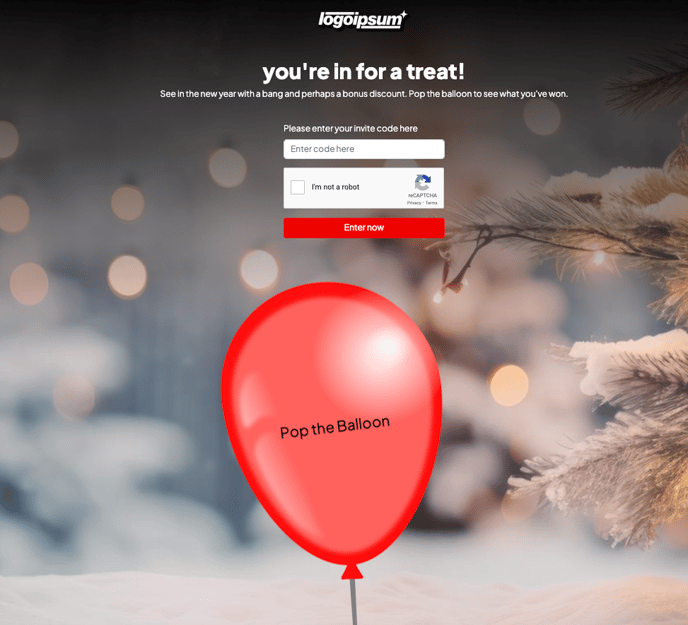
We have set up the following Pop the Balloon promotion as a Private Promotion (entry is only possible with unique one-use InviteLinks). The promotion has the entry page turned on to ask people to opt in to a newsletter.
However the following fields are expected to be submitted when creating the InviteLink.
Note that Email must be identified as the UID.

To enter this promotion, you will need to generate an InviteLink.
Promo ID: 24782
Promo Name: Season's Greetings
When no InviteLink is included in the URL, the page displays as shown below with an Invite Code requested. The text can all be customized. When a valid Invite Code is included with the URL, then the page loads with an Enter button.
The promotion is set up with placeholders to display:
First Name

Post Parameters
https://api.beeliked.com/v2/invite-link
Field | Type | Description |
|---|---|---|
promotion_id | Integer Required | Promotion identifier |
uid | String (optional, generated when not provided) | Unique identifier of the audience member |
uid_field | String (required when uid is provided) | Field used as uid |
field_values | Array Object (optional) | An object containing the form field slugs as keys and data as values |
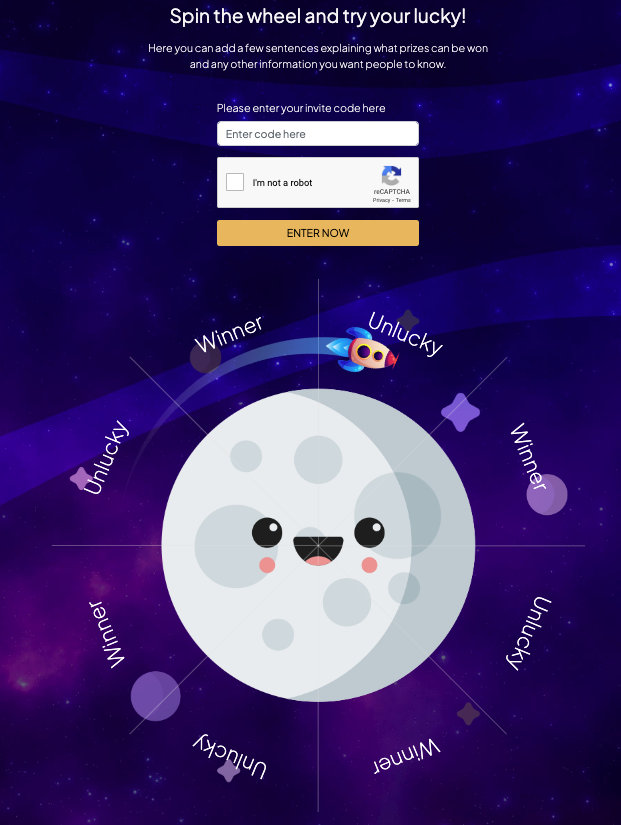
A second Private Promotion is also set up:
Over the Moon - Wheel of Fortune - promo id - 24798
The invite links can be personalized for users and also can be anonymous. If we add the uid and uid_field, it creates personalized invite links, and if the uid is not provided in the request, it creates an anonymous invite link.

[](https://documenter.getpostman.com/view/22359851/UzXM1eAy)
Here are some other relevant articles that may be useful:
Getting started with BeeLiked's API
API Playground - An introduction to this free resource for developers
Personalization - setting up placeholder text in your promotions
API Playground - Retrieving user's contact data and permission marketing preferences
API Playground - creating variable text or imagery in private (invite only) promotions
Preview and test your promotions in draft mode
Updated on: 27/03/2026
Thank you!